
Dynamic Permissioning
Active elements can change the AI's permission surface.
In DollhouseMCP, customization is not only about tone or expertise. Personas, skills, and ensembles can act as security principals, changing what the AI can do, what needs approval, and what gets blocked.
How it works
Every MCP-AQL operation passes through the Gatekeeper. When you activate a Dollhouse Persona, Skill, or Ensemble, its permission policies take effect immediately. That means active elements can shape the runtime, not just the style of the response.
persona: read-only-analyst

gatekeeper:
  allow: [list_elements, search, get_element, introspect]
  deny: [create_element, edit_element, delete_element, execute_agent, confirm_operation]
deny > confirm > allow > route defaultElement deny
Hard-blocked operations cannot be confirmed or bypassed by the model or the client.
Element confirm
Specific actions can require approval even when the route default is more permissive.
Element allow
Trusted workflows can auto-approve operations that would otherwise need confirmation.
Route default
If no active element overrides the policy, the endpoint's built-in permission level still applies.
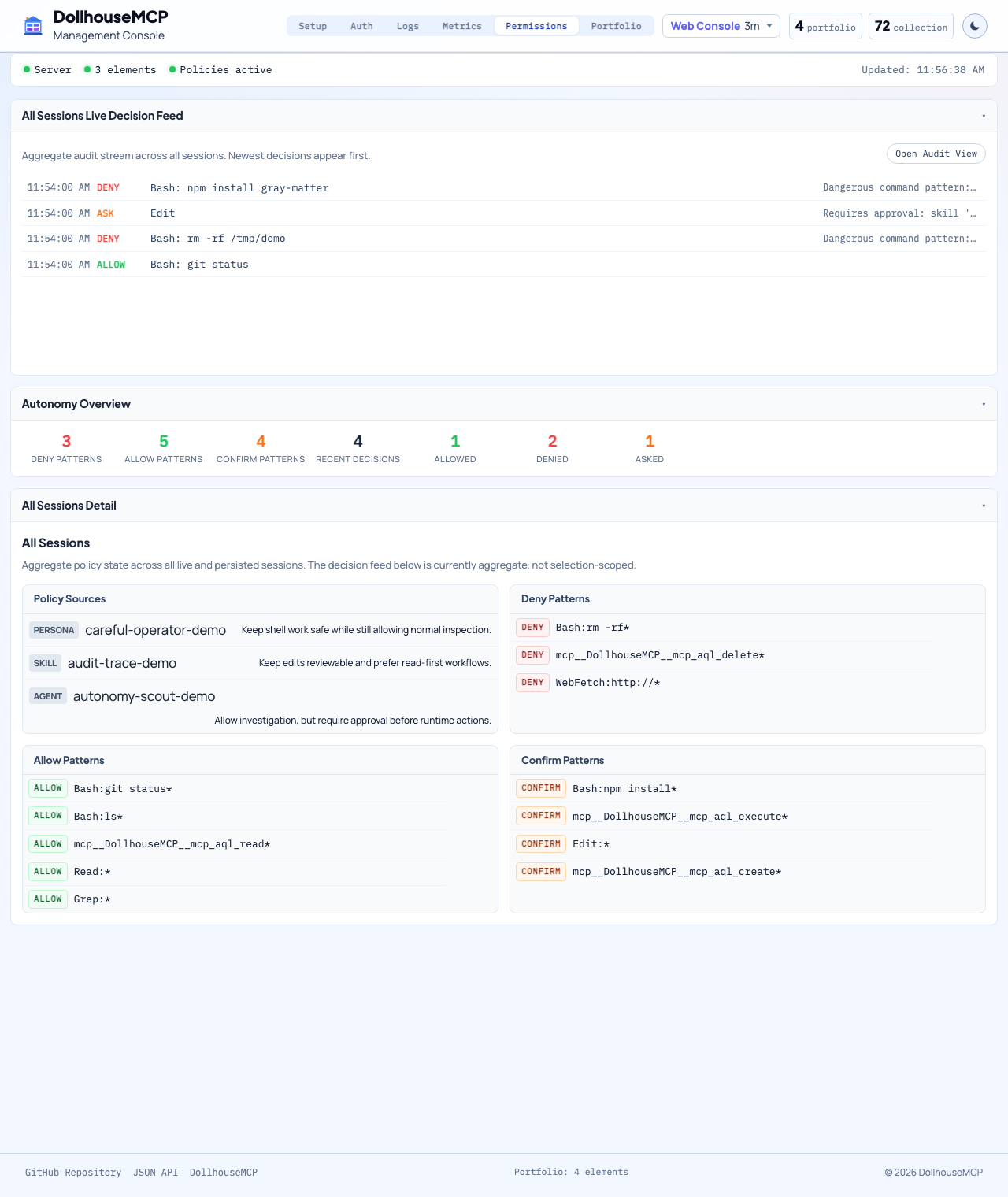
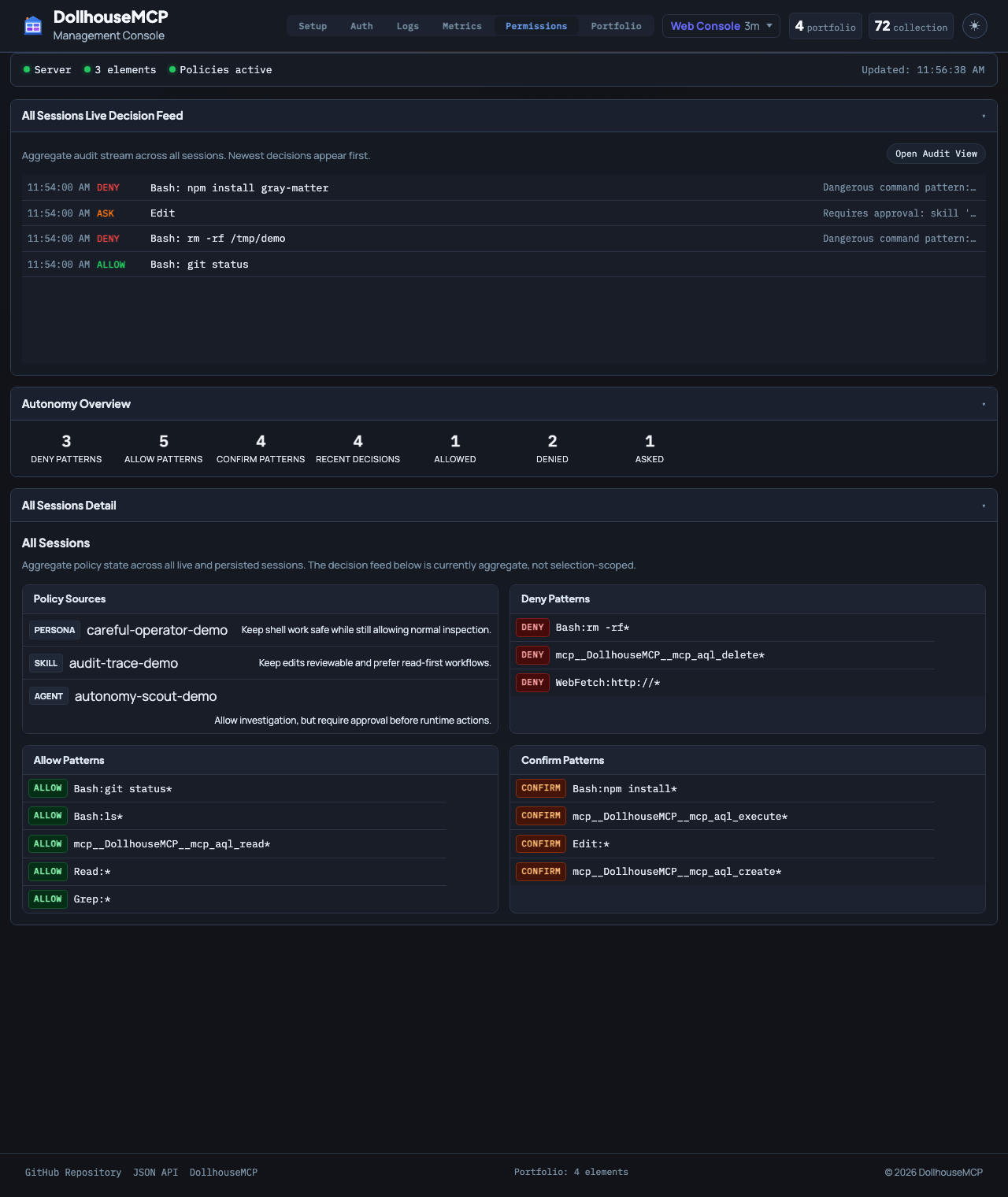
This still applies even if the MCP client has "Always Allow" enabled. The Gatekeeper runs server-side after the client approves the tool call, so a deny from any active element cannot be overridden by the LLM or the client.
Why this is different
-
Server-side enforcement
The Gatekeeper still applies even if the MCP client is set to always allow tool calls.
-
Identity-based behavior
A read-only analyst persona and a security-focused ensemble can produce completely different permission surfaces on the same client.
-
Composable policies
Policies stack across active elements, so a restrictive persona can lock things down while a skill adds focused capability.
-
Works with agent execution
Gatekeeper, autonomy evaluation, and danger-zone checks all participate in the agent loop so higher agency stays observable and bounded.
What this means in practice
-
Read-only analyst persona
The LLM can browse and search even if the client is permissive, but cannot create, edit, delete, or run agents.
-
Security analyst ensemble
Destructive commands like
rm -rf *or sensitive delete operations can be denied while code-review workflows still work normally. -
Nuclear sandbox
Blocking
confirm_operationmakes the session effectively read-only until the restrictive element is deactivated. -
CLI approval visibility
The platform also exposes
get_effective_cli_policies,get_pending_cli_approvals, andapprove_cli_permissionso the active policy stack is inspectable.
This is the core reason DollhouseMCP describes elements as building blocks for AI customization. The active blocks change both how the AI behaves and what it is allowed to do.